Protocols Basics
Protocols are a user-defined data structure that can be used when creating conversions. Protocols define the destination data structure of your use case.
Configuring Protocols
Create a Protocol
To create a protocol, enter the ‘Data protocols’ page by clicking on the Data option in the menu screen.
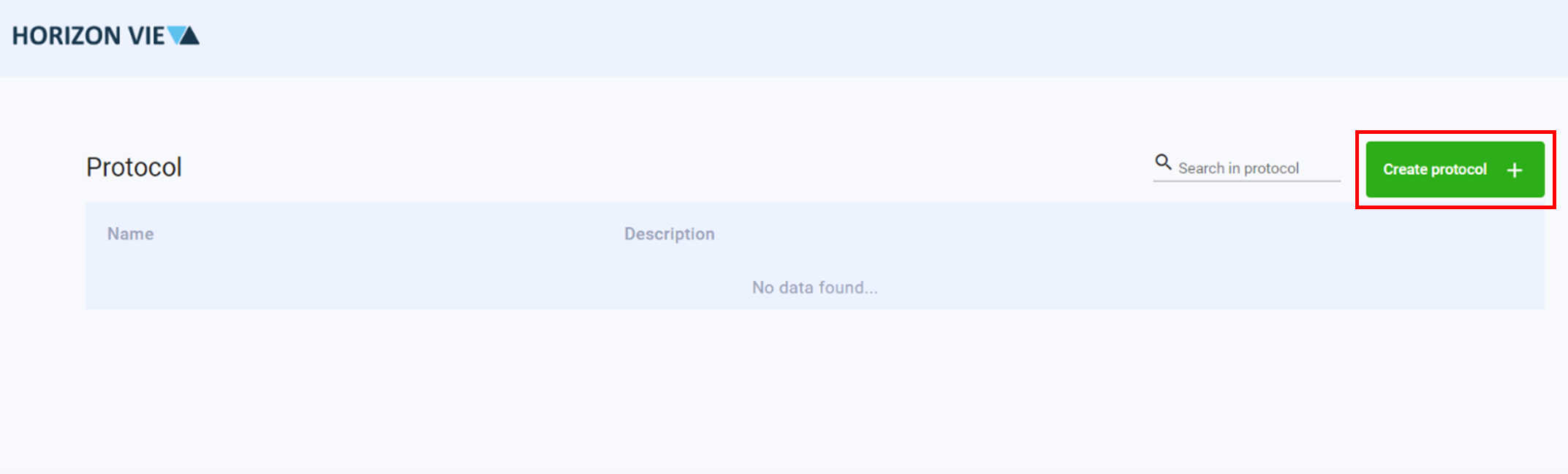
Click Create protocol +
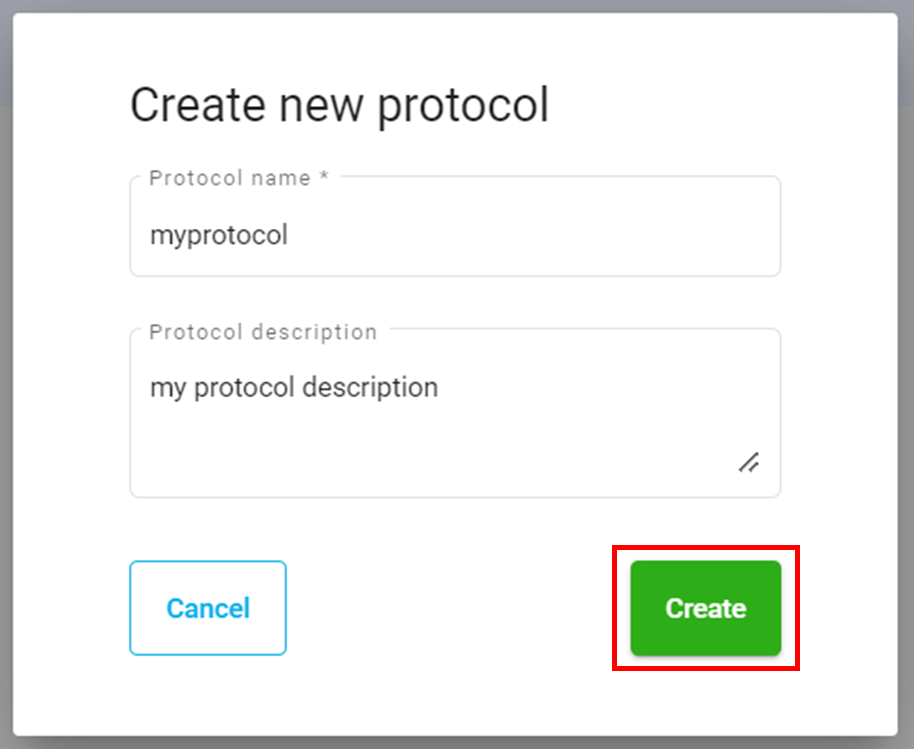
Enter a name and description for your protocol
Click Create
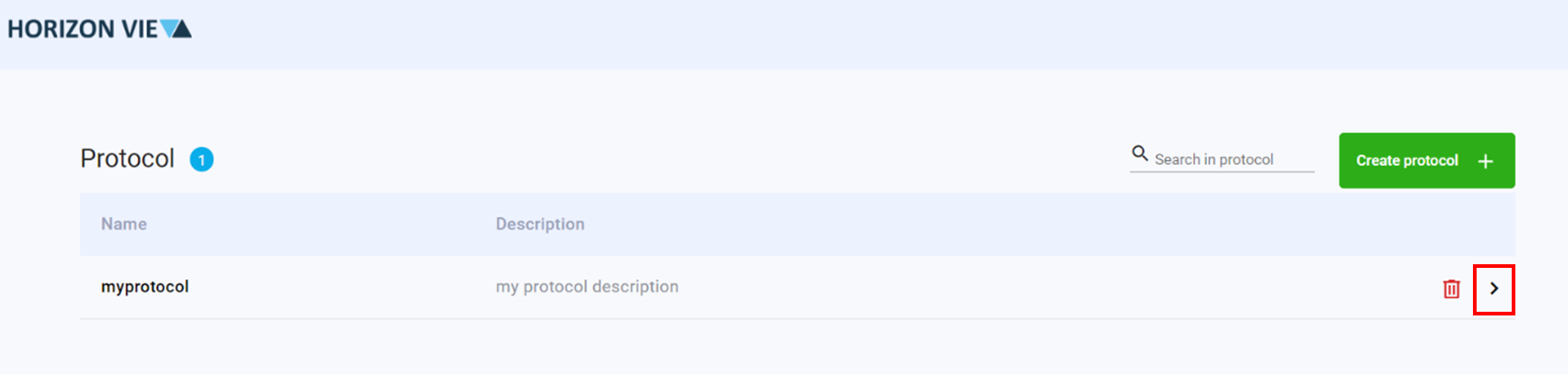
Click on the arrow to enter the protocol design space
Create a protocol property by defining a Property key
Select an Expected datatype if necessary
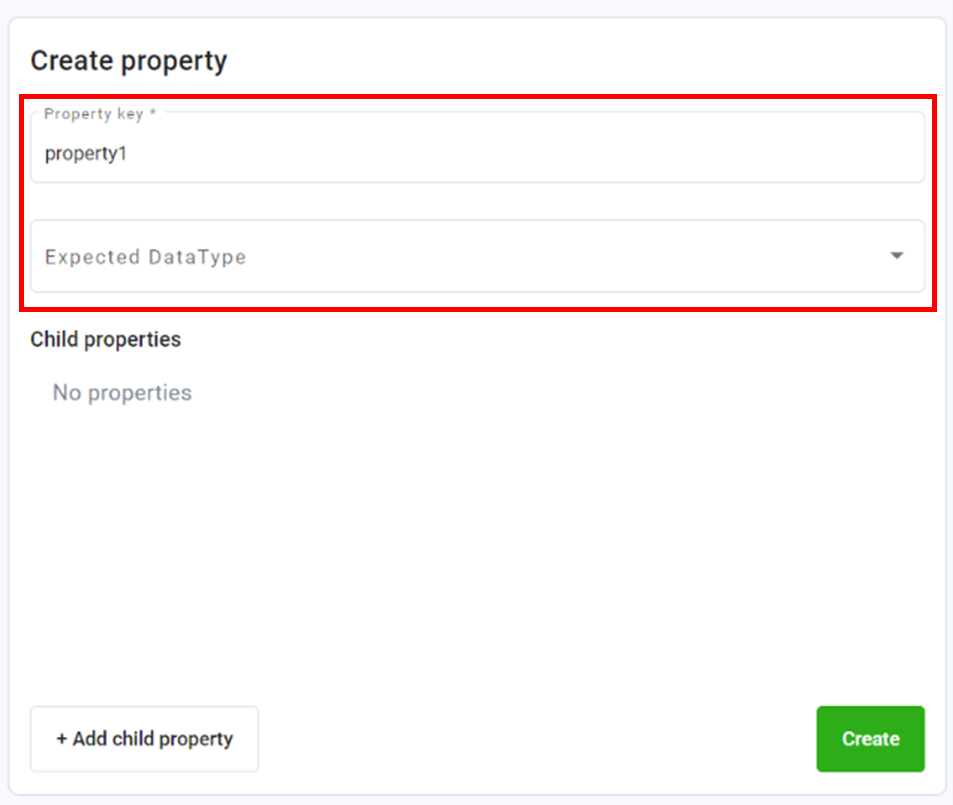
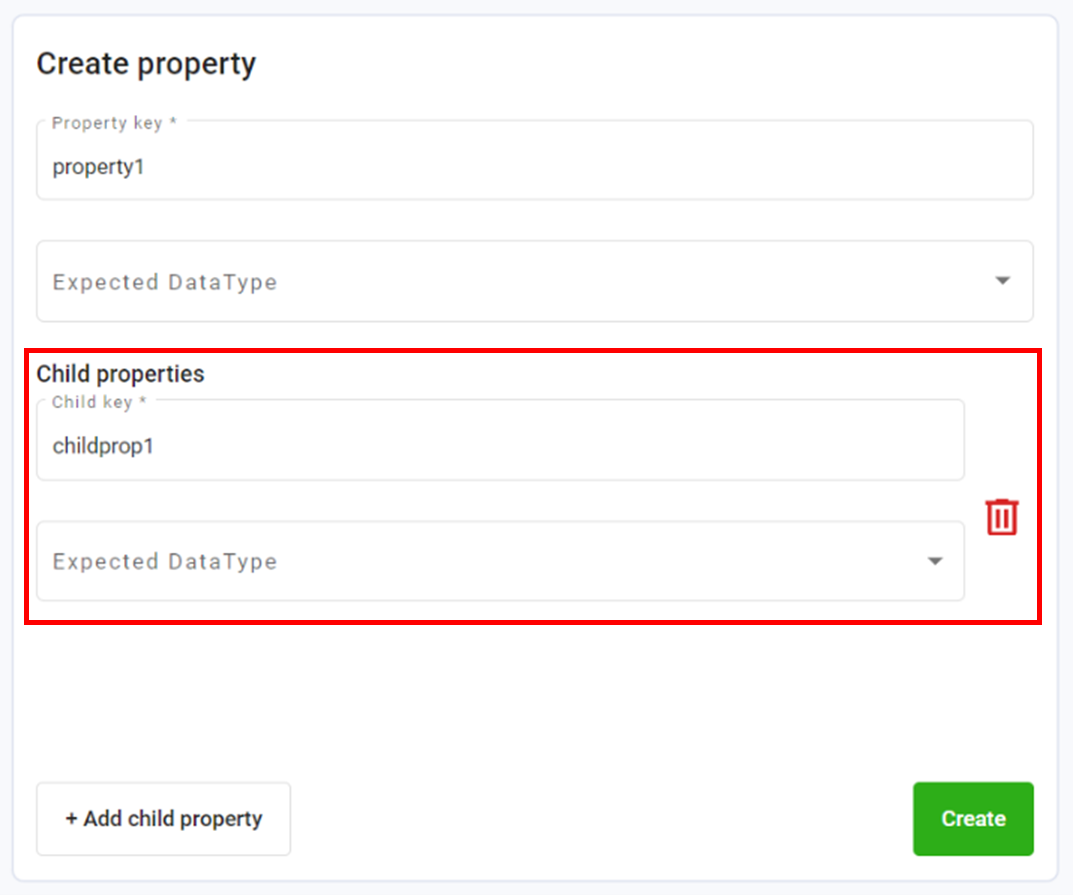
Click +Add child property to add child properties as necessary
Define a Child key
Select an Expected datatype for your child property if necessary
Click Create
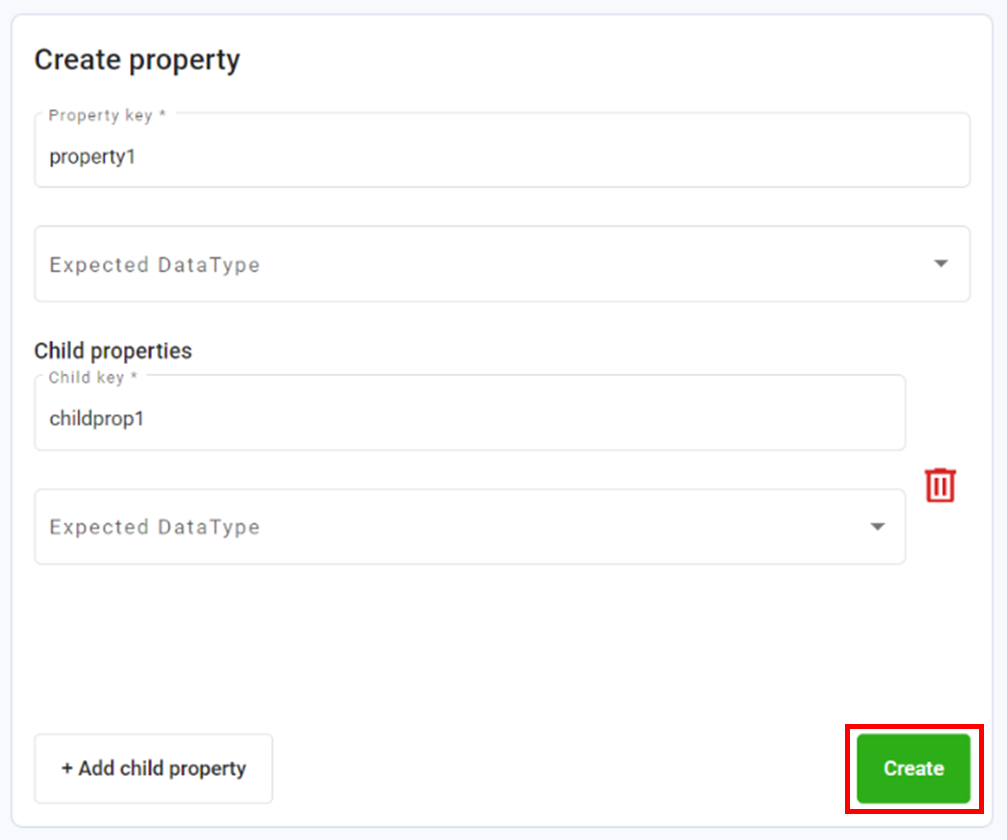
Repeat steps 6-8 for all required child properties
Repeat steps 4-9 until all protocol properties are defined
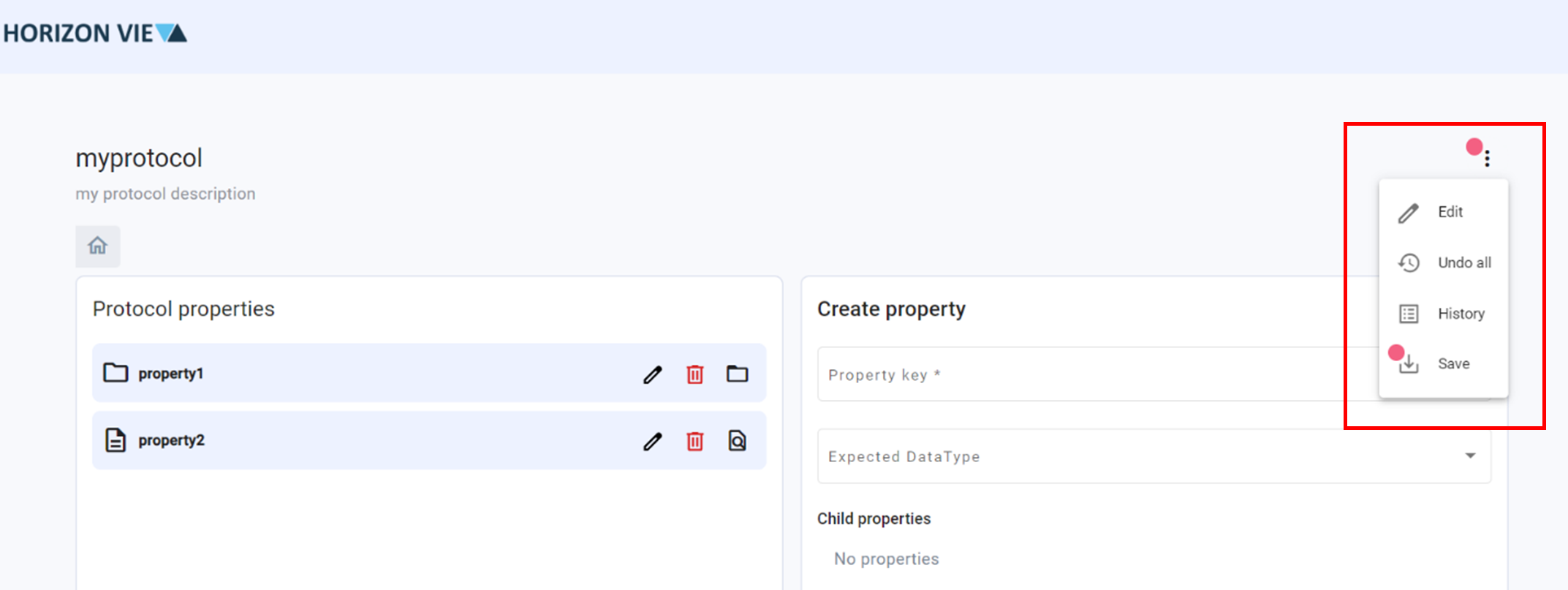
Save Protocol by clicking the three dots on top right corner
Click Save
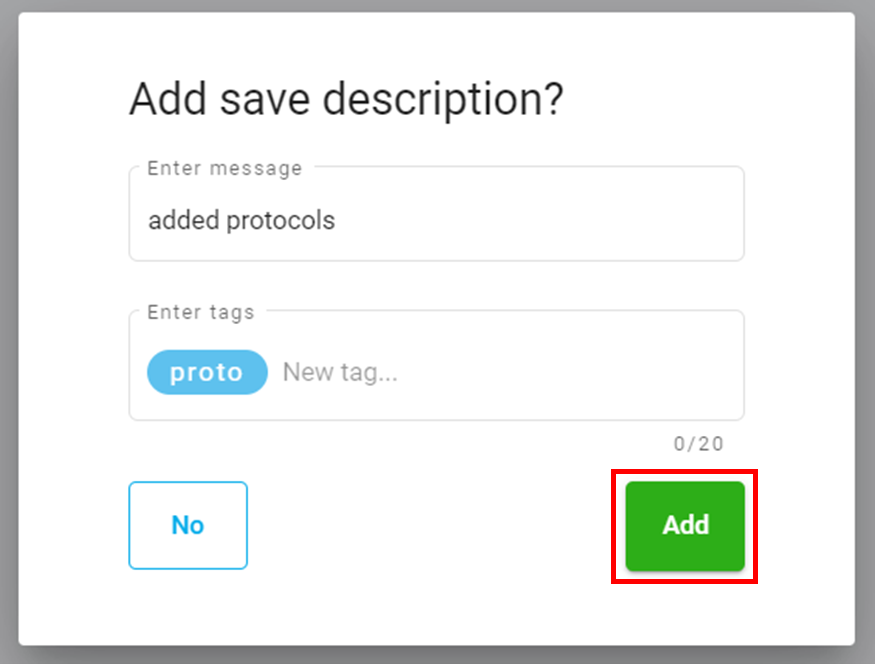
Add a save description if necessary
Click Add
Modify a Protocol
To modify a protocol, enter the ‘Data protocols’ page by clicking on the Data option in the menu screen.
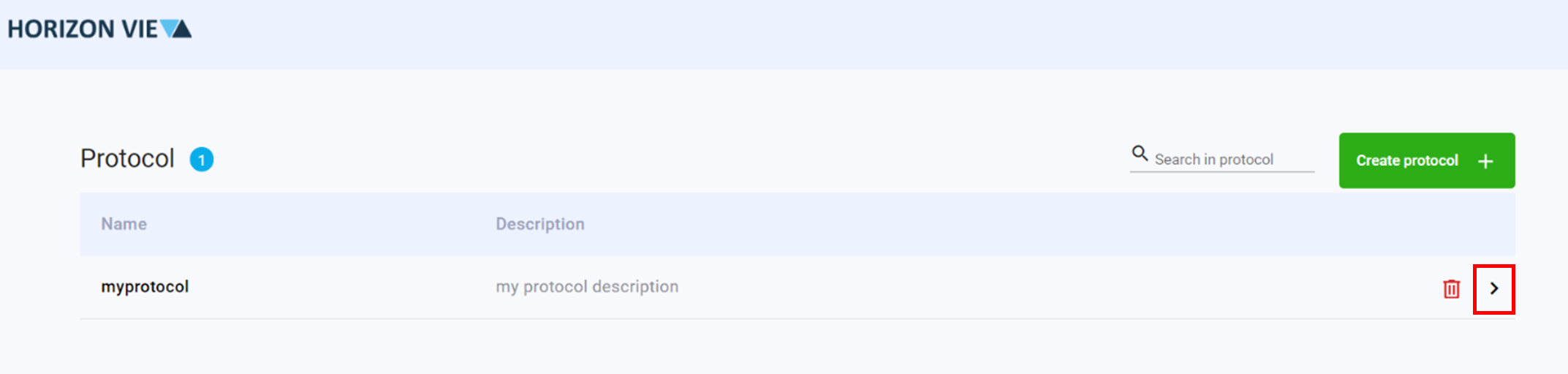
Click on the arrow to enter the protocol design space
Modify the protocol as necessary
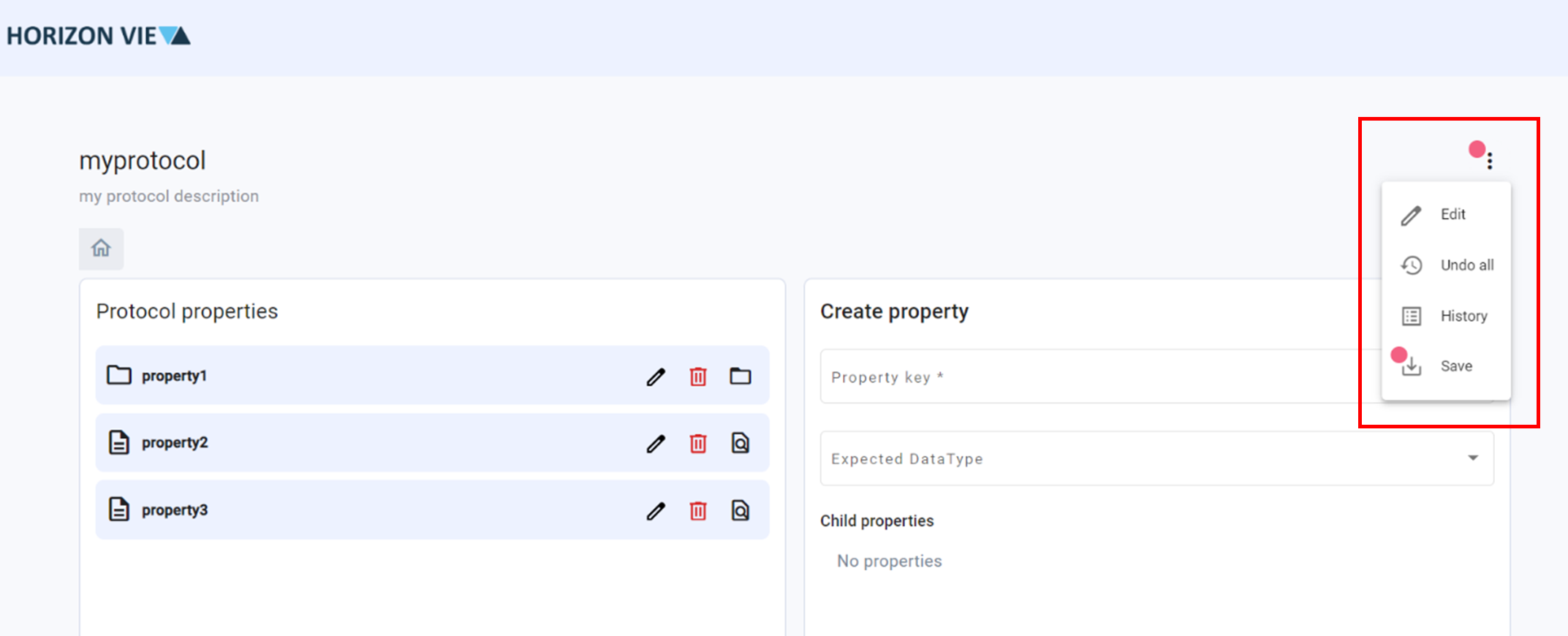
Save Protocol by clicking the three dots on top right corner
Click Save
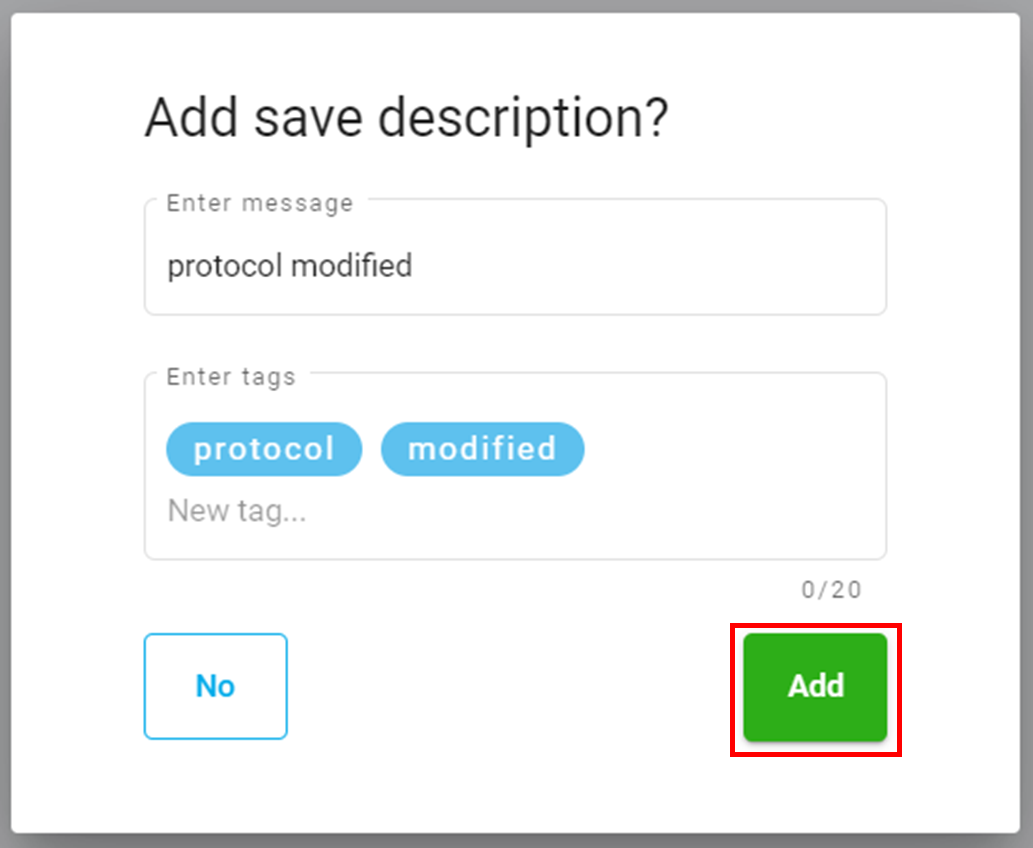
Add a save description if necessary
Click Add
Remove a Protocol
To remove a protocol, enter the ‘Data protocols’ page by clicking on the Data option in the menu screen.
You cannot remove a protocol if it is being used by a conversion. You must delete the conversion first then the protocol.
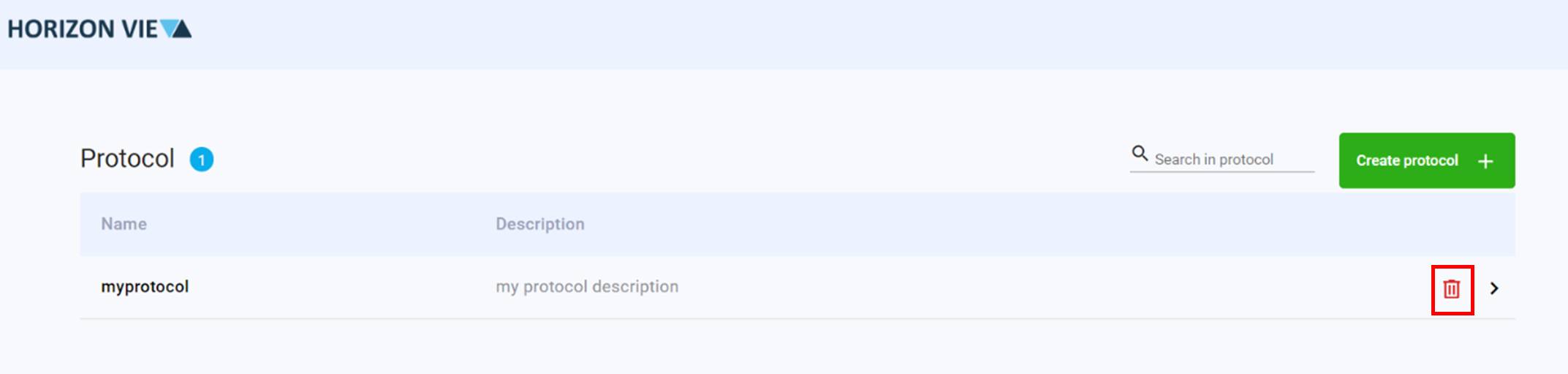
Click on the trash icon next to the protocol to be removed
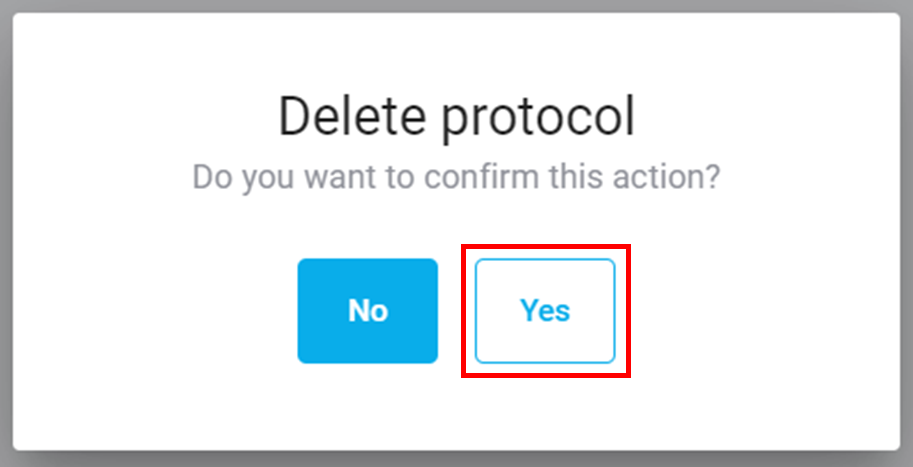
Click Yes to delete