User Management
This section will cover how to add and delete users for an Application.
Add a User to an Application
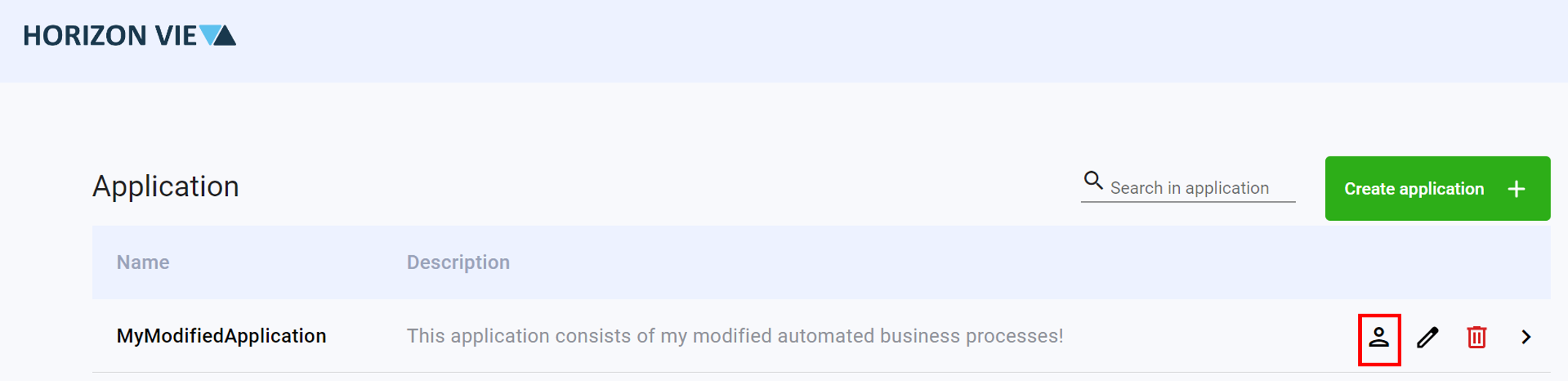
Click on the user icon to open the User Management page
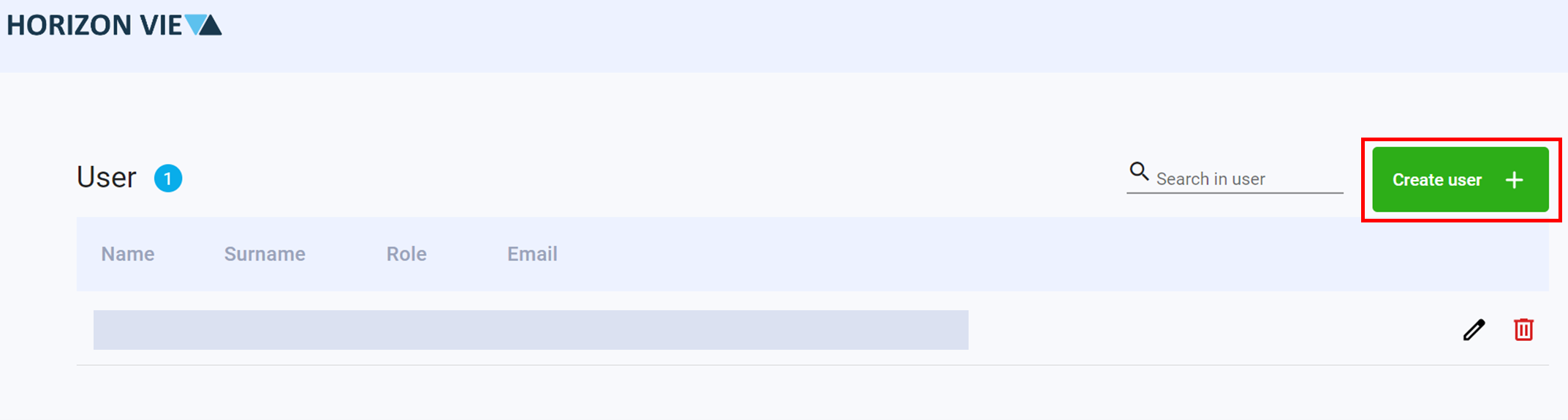
Click on Create user +
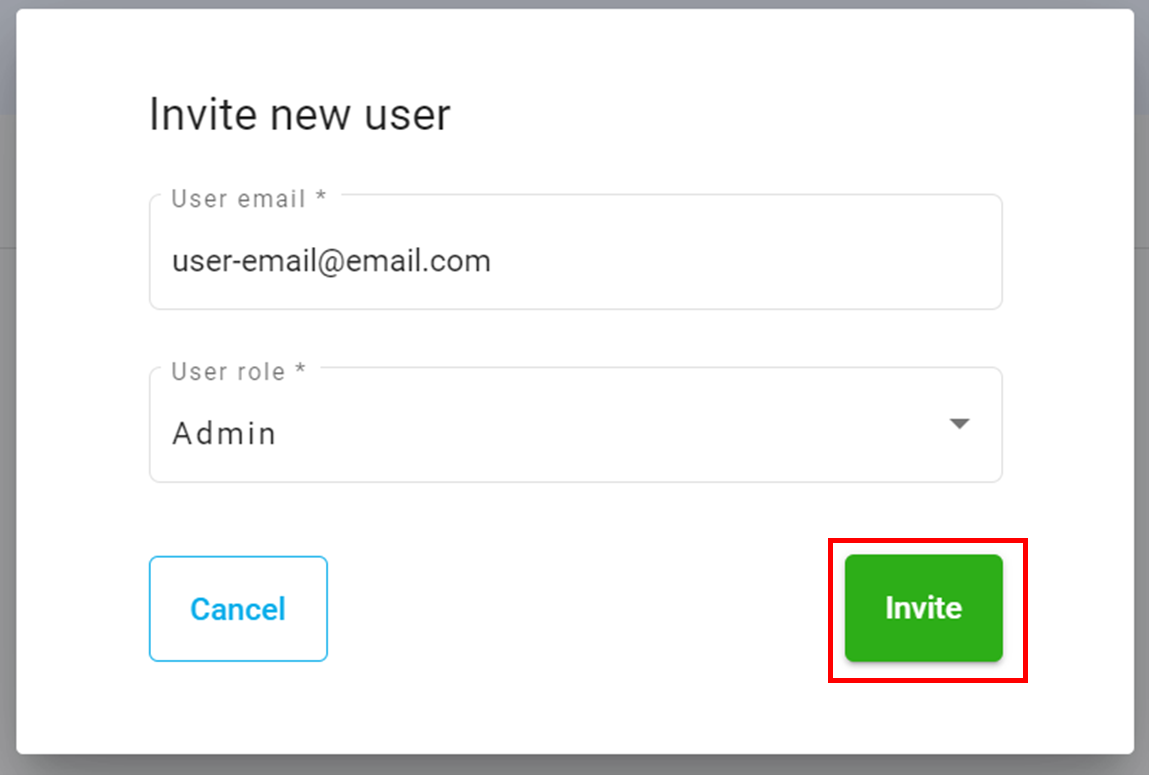
Enter a User email
Select a User role
Click on the Invite button
Delete a User from an Application
Click on the user icon to open the User Management page
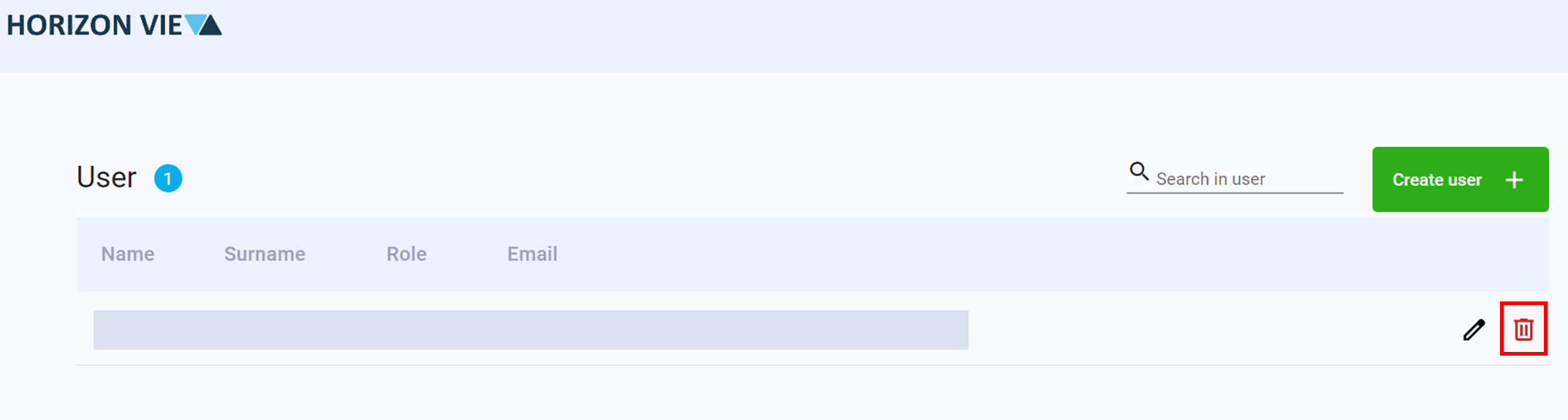
Click on the trash icon of the user to be removed
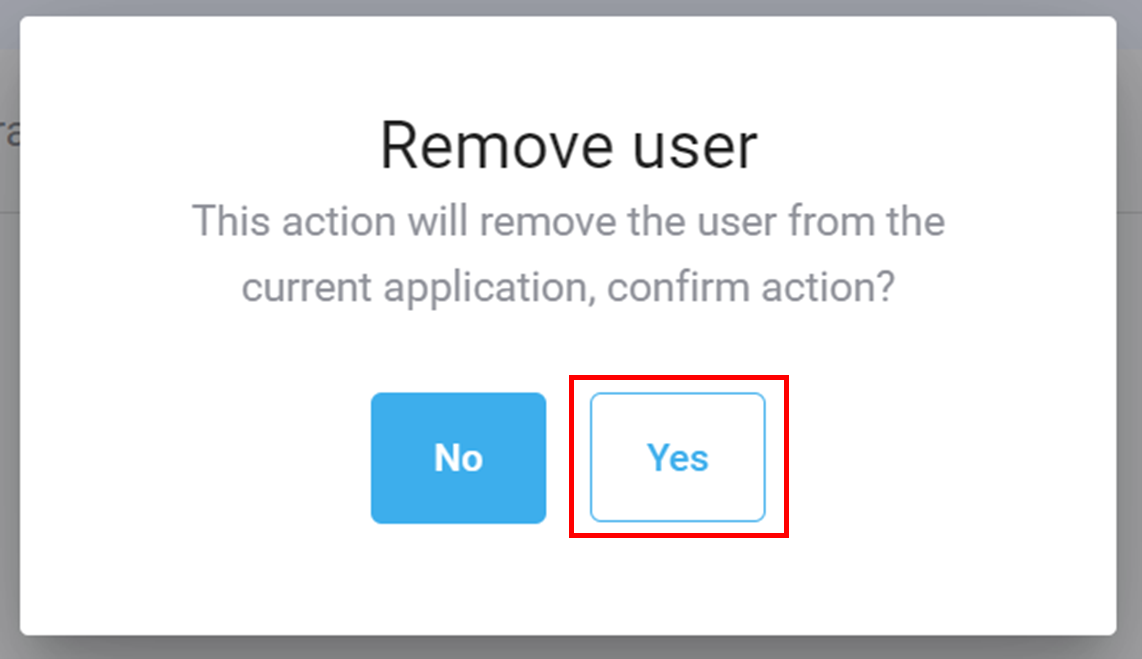
Click Yes to confirm deletion