Application Basics
This section will cover how to create, modify, and delete an Application.
Create an Application
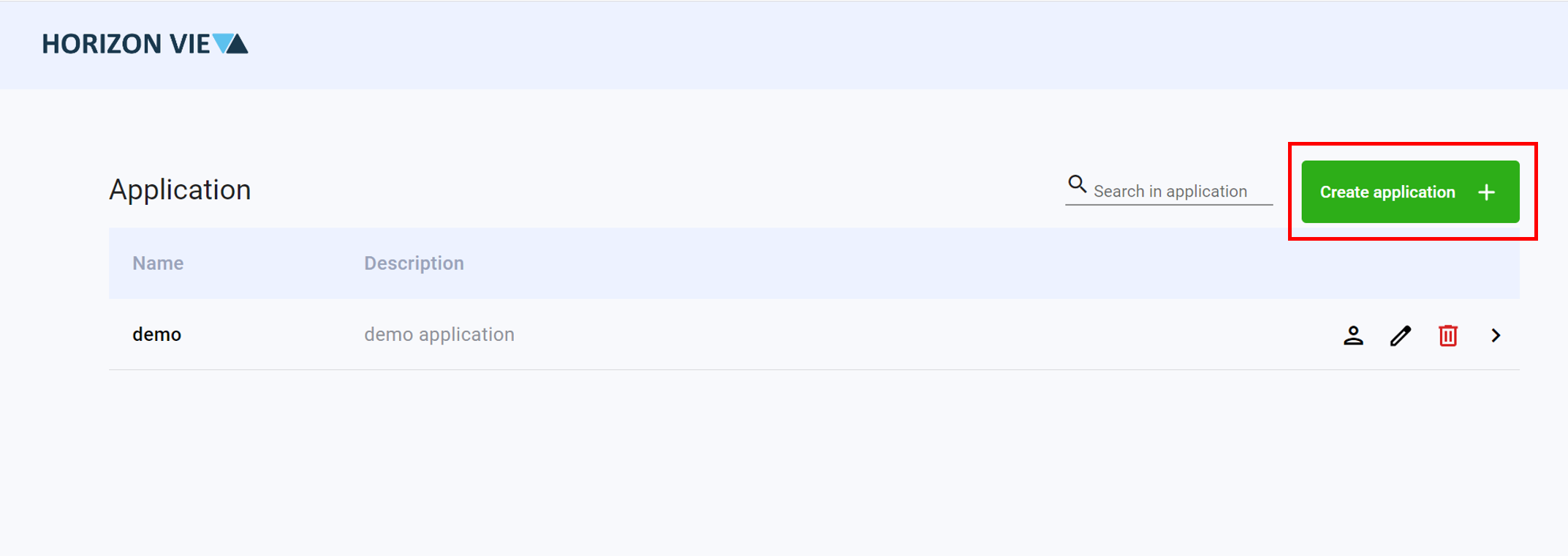
Click on Create application +
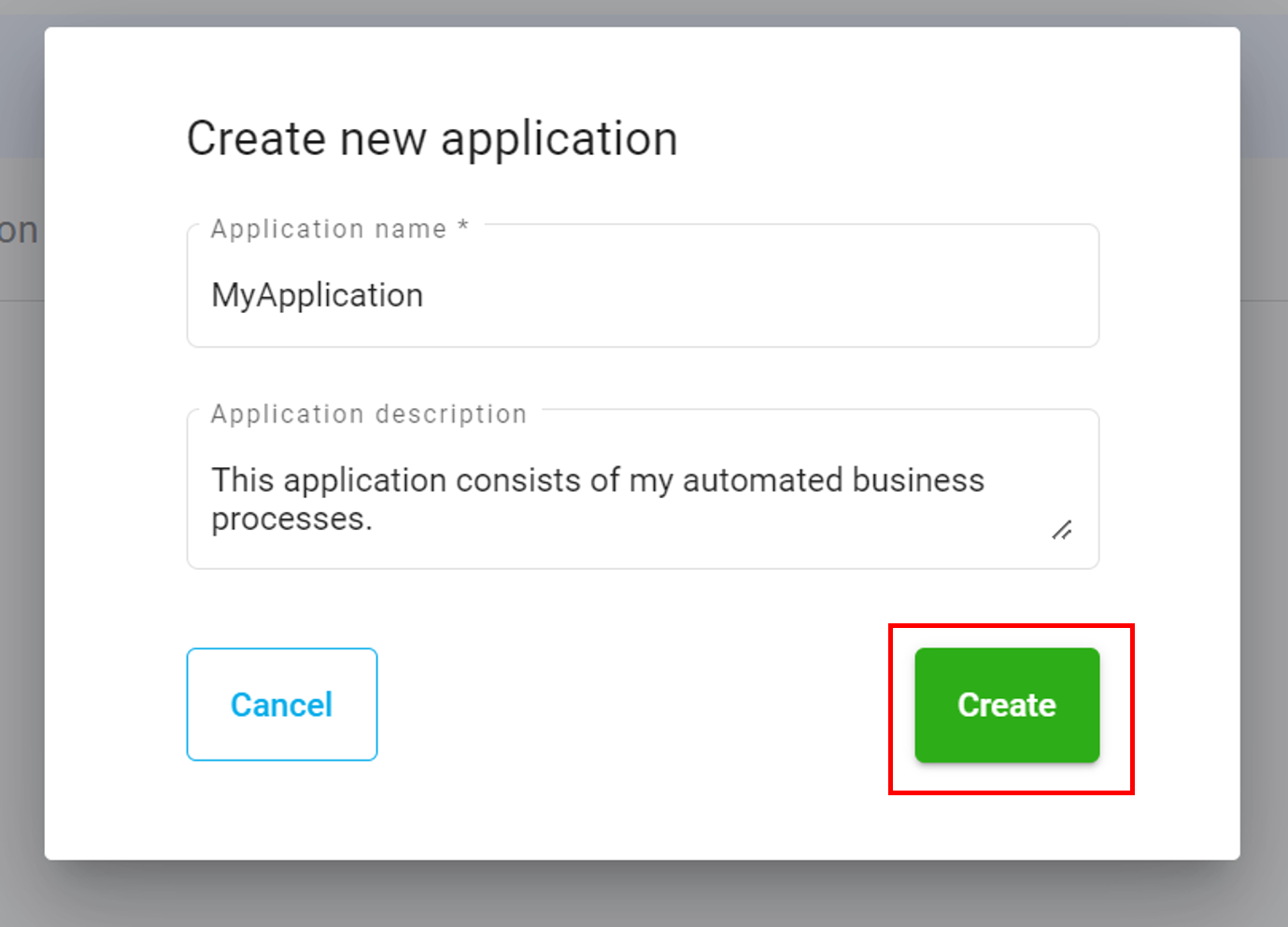
Enter a name and description for your application
Click Create
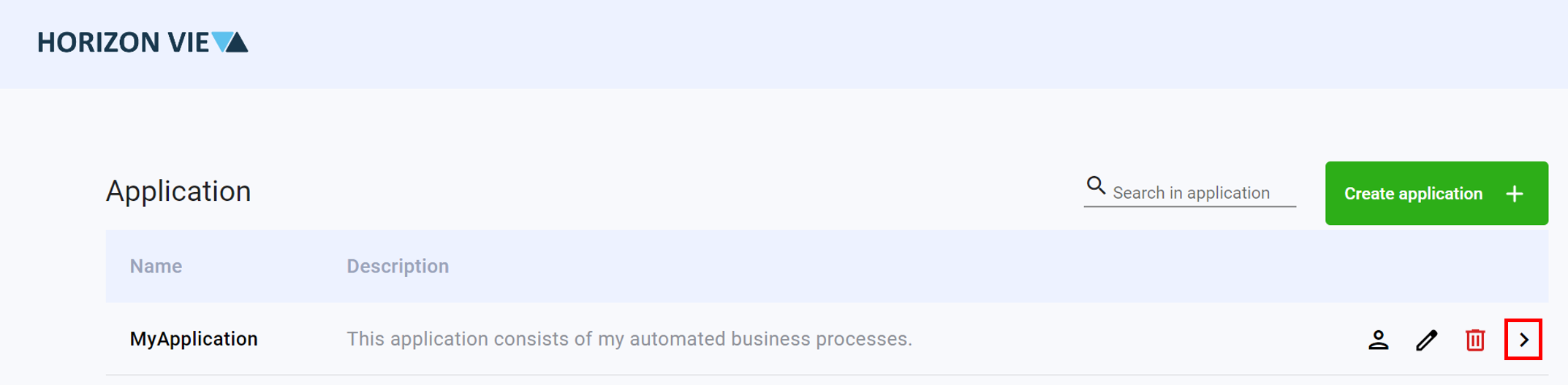
Enter the created application by clicking on the arrow icon
Modify an Application
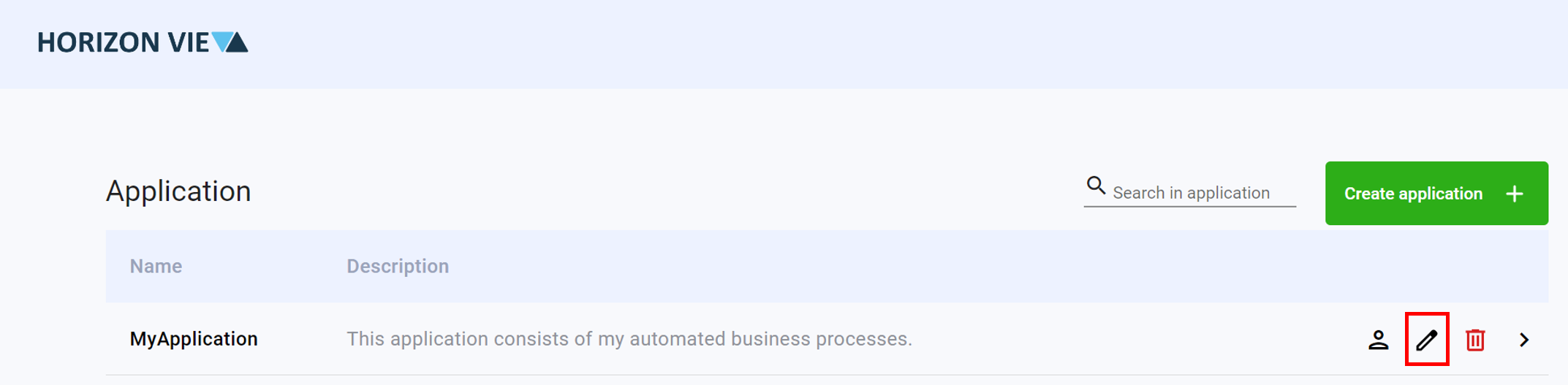
Click on the pen icon to edit
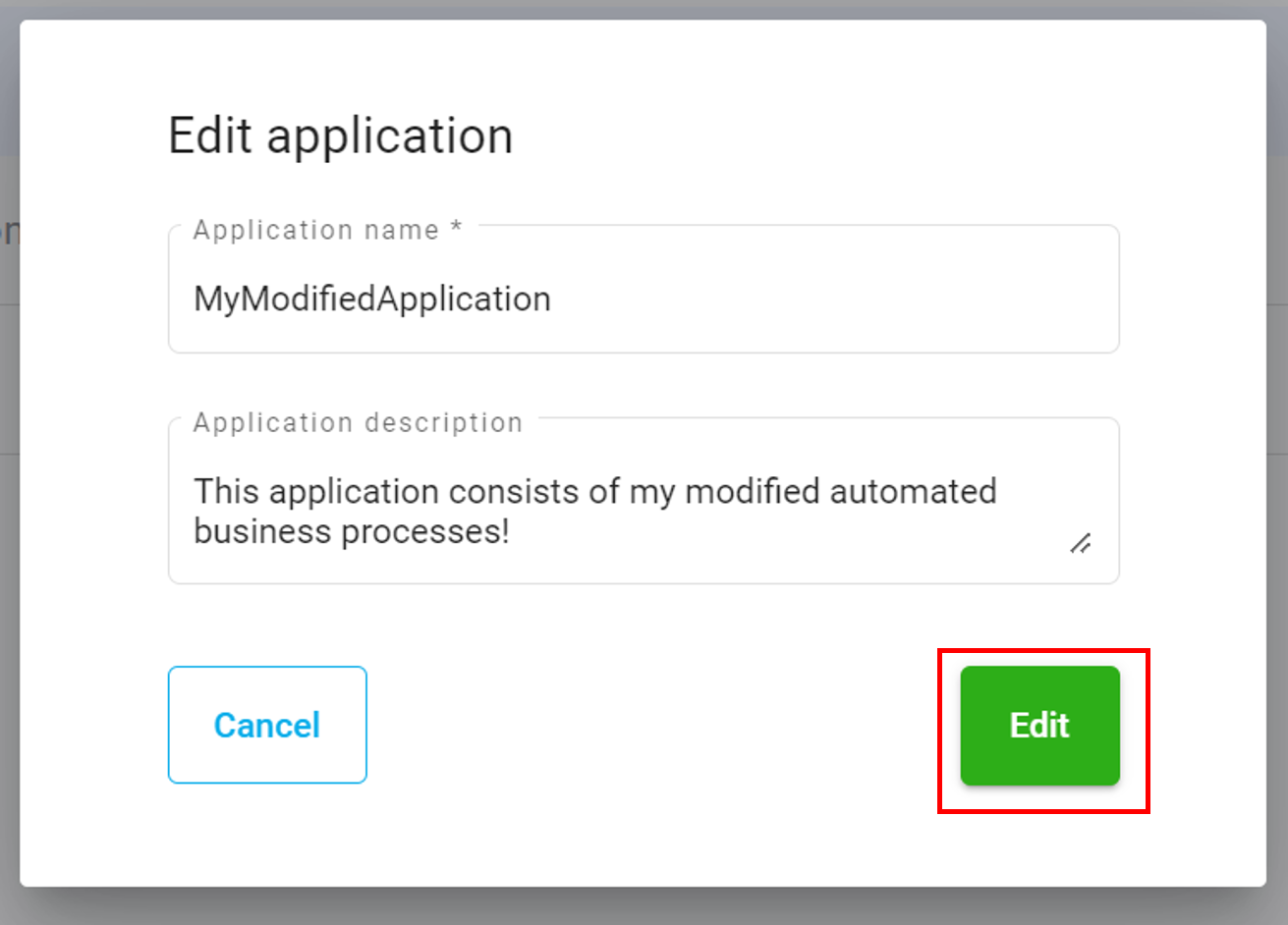
Modify the name and description of your application
Click on the Edit button
Delete an Application
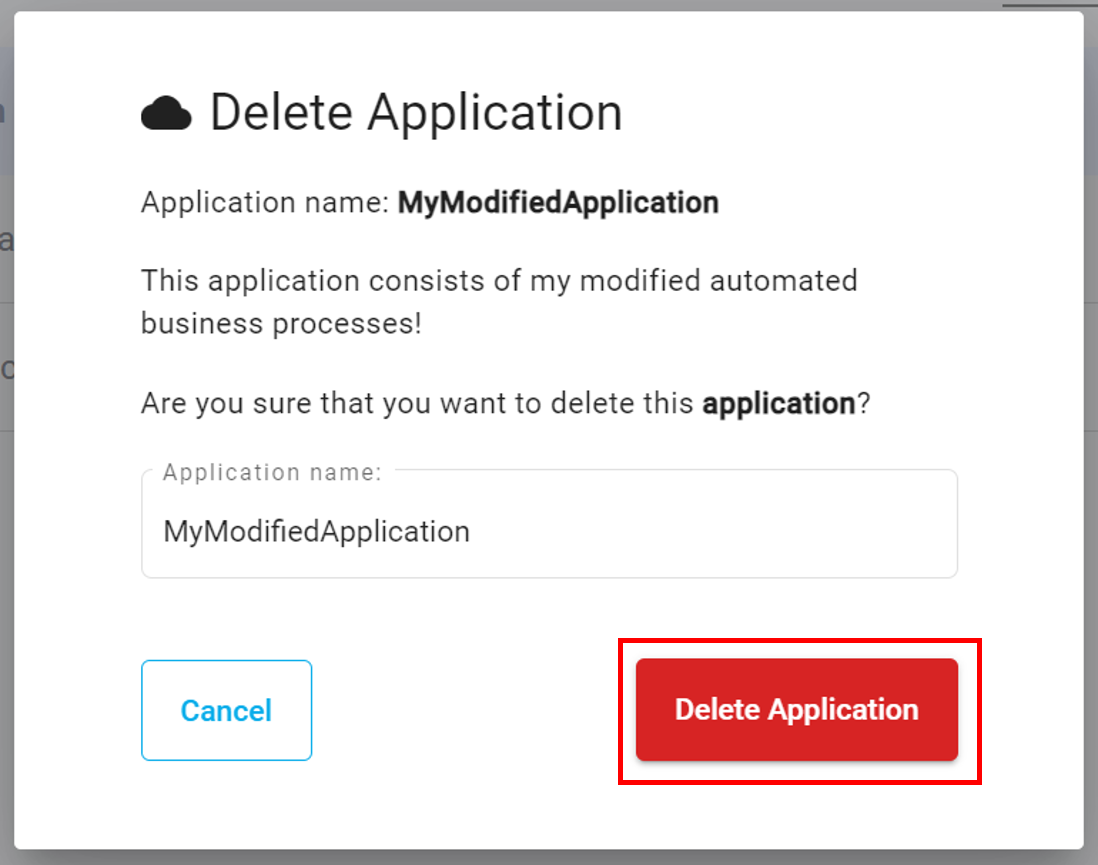
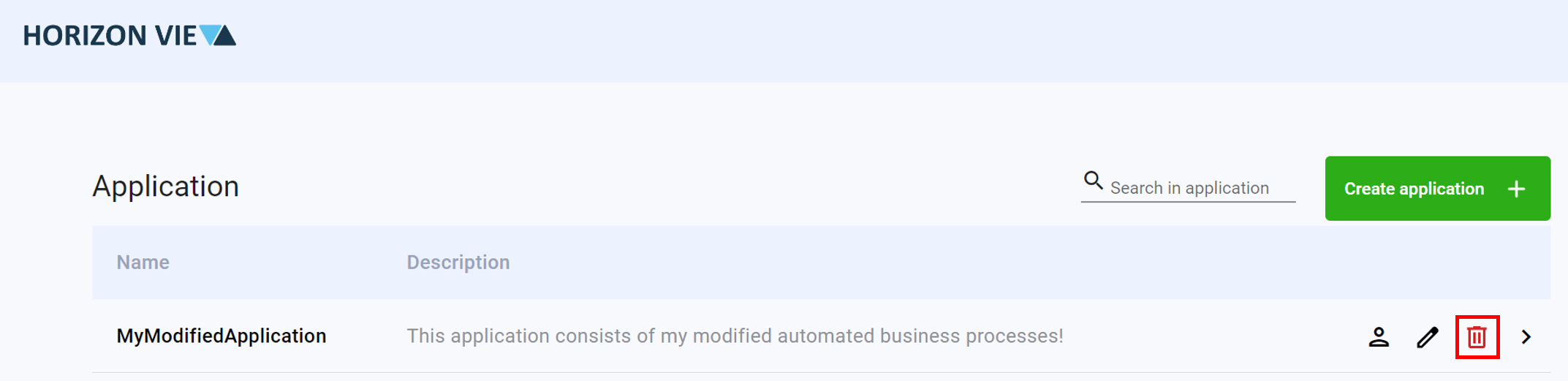
Click on the trash icon to delete
Enter the application name of the application you wish to delete
Click on the Delete Application button